The Home-Service Lead Handoff Checklist: From Inquiry to Scheduled Work
A fast first answer helps, but the handoff is where a service lead often gets lost. Use this checklist to move an inquiry to the right owner and a clear next step.
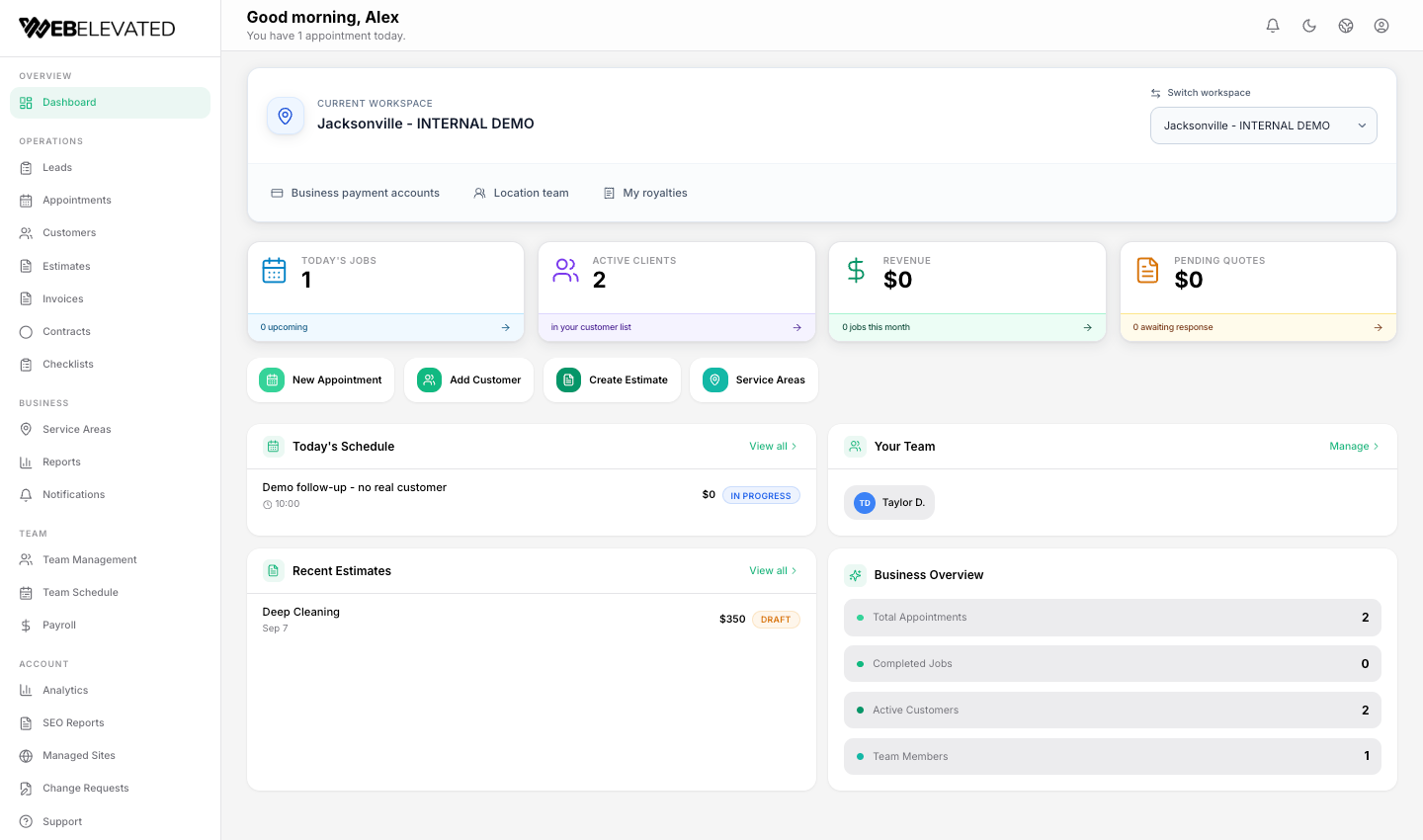
Start by deciding who owns the next step
A homeowner may call while a crew is on a job, submit a form after hours, or use website chat to ask whether the business serves their area. The first response matters, but an answer without ownership is not a handoff. Someone must know where the inquiry came from, which location should serve it, what the customer needs, and when the team will respond.
For a franchise or multi-location operator, location routing is not a cosmetic detail. The wrong location can quote outside its service area or leave a customer waiting. Google also asks service-area businesses to keep their listed service areas specific and accurate; your internal intake should be at least as clear.
- Capture the request channel, service type, location or ZIP code, contact method and urgency.
- Assign one accountable owner or queue—never only a notification sent to everyone.
- Record consent and the customer’s preferred next step before any follow-up.
Keep the conversation context with the lead
A receptionist or AI agent may be the first point of contact, but the human taking over needs a concise record: what was asked, what was confirmed, what was not promised, and what action is due. Repeating the whole intake feels slow to the customer and can create conflicting answers.
The current Atlas AI pilot handles inbound phone calls and website chat for approved use cases. WebElevated is the production tenant; other installations require pilot approval. Atlas can qualify an inquiry and capture the confirmed lead and conversation context in the connected Portal for staff review. It does not currently place outbound calls, send sales texts or nurture emails, book appointments, or take phone payments. A staff-owned follow-up is still essential.
Use a four-state handoff instead of an inbox full of messages
A simple operating board is often enough to prevent ambiguity. Give each incoming lead a state and a next action, then keep the record in the location that will do the work. The labels can vary by business; the point is that an employee should not have to infer status from an old email thread.
- New: intake captured, service area and contact details not yet verified.
- Qualified: service, location, urgency and decision-maker details confirmed; next owner assigned.
- Quote or schedule: a person has accepted responsibility for an estimate or appointment.
- Closed with reason: won, not a fit, duplicate or no response after the approved follow-up process.
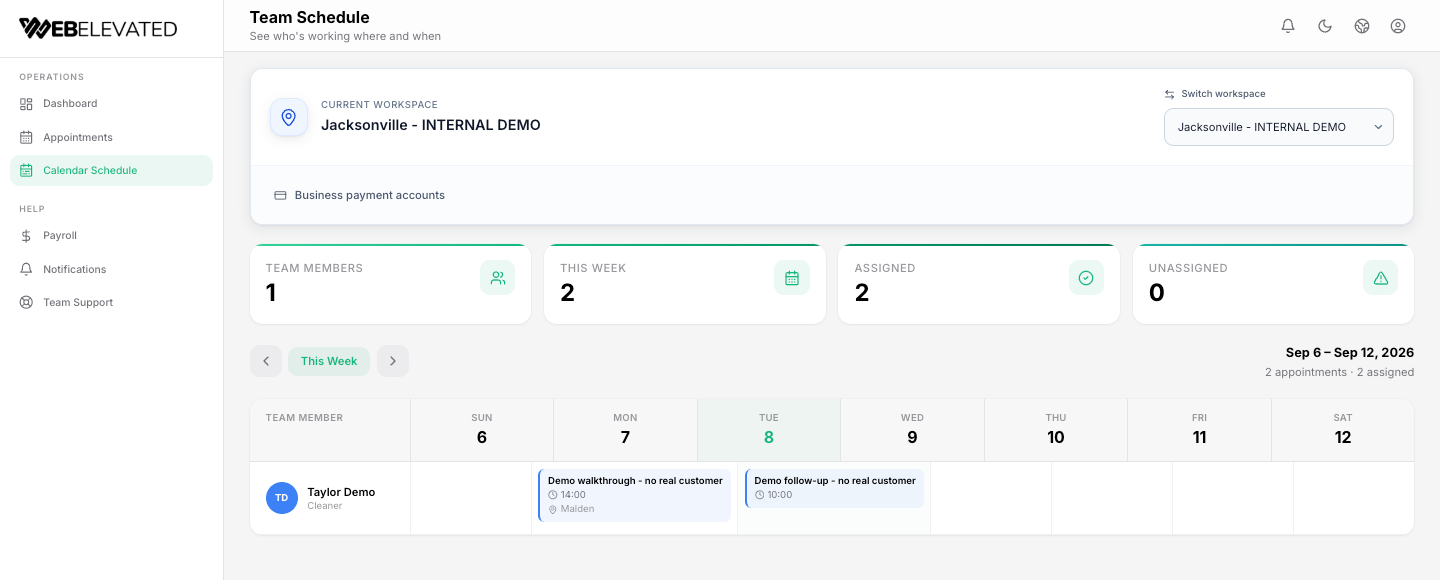
Measure the handoff, not just the number of leads
A lead count cannot tell an owner whether an inquiry was answered, routed correctly or converted into work. Review a small set of operational questions each week: how many inquiries have no assigned owner, how long does an unhandled inquiry sit, how many qualified requests become estimates, and how many estimates are scheduled?
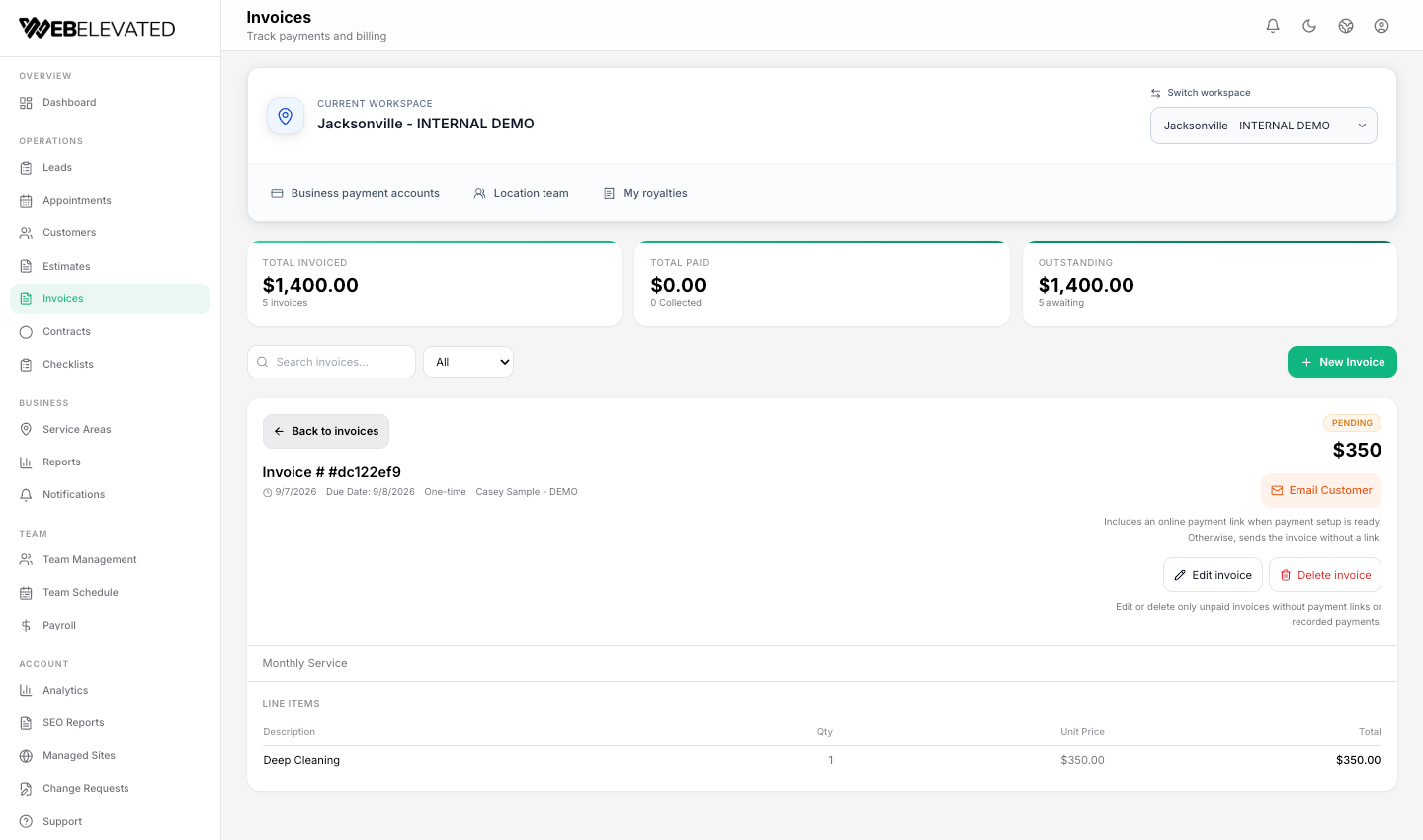
These are questions to measure in your own business, not performance claims for WebElevated. Begin with a reliable baseline before declaring that a new workflow increased revenue. In the location workspace, owners can keep customer, estimate, appointment and invoice activity together, while the office coordinates assigned work and the field team sees the jobs it needs to perform.
A practical first-week rollout
Write down your real service areas and which location handles each one. Choose a single owner for unassigned inquiries. Walk through five test cases—business hours call, after-hours call, website form, website chat and an out-of-area request—without contacting real prospects. Note where the context is lost or an owner is missing.
Only then decide what to automate. Inbound AI coverage can help capture and qualify a request, but the operating team still needs a clear, consent-aware follow-up and scheduling process. The goal is not to make the workflow look automated; it is to make sure the customer and the crew know what happens next.
Frequently Asked Questions
What should a home-service lead record include?
At minimum: contact method and consent, requested service, service location, urgency, inquiry source, confirmed facts, assigned owner and next action. Collect only what your process actually needs.
Does Atlas AI book the job automatically?
No. The current inbound-only pilot can handle approved inbound calls and website chat, qualify and capture a lead, and preserve context for staff. Outbound follow-up and calendar booking are not active pilot capabilities.
What is the first metric to watch?
Start with unassigned or unanswered inquiries and the time until a real owner takes the next step. Add qualified-to-estimate and estimate-to-scheduled rates once your definitions and baseline are consistent.