Franchise Operations Software: What Happens After a Location Opens?
A franchise sales pipeline ends when a new location opens. The operating work starts there: who owns the customer, who sees the schedule, who receives payment and how does corporate review royalties?
Recruiting franchisees is not the same as operating a network
A recruitment CRM can track a buyer from inquiry to agreement. Once the location opens, a different set of questions appears every day: which team owns a lead, who can change a schedule, where does the customer pay, and what does headquarters need to review?
For a home-service network, the operating system has to respect both sides. Corporate needs a network view and consistent rules. The location owner needs the tools to run a real service business—not a read-only branch of a corporate CRM. Franchising OS by WebElevated is built around that separation.
Give headquarters oversight without taking over each job
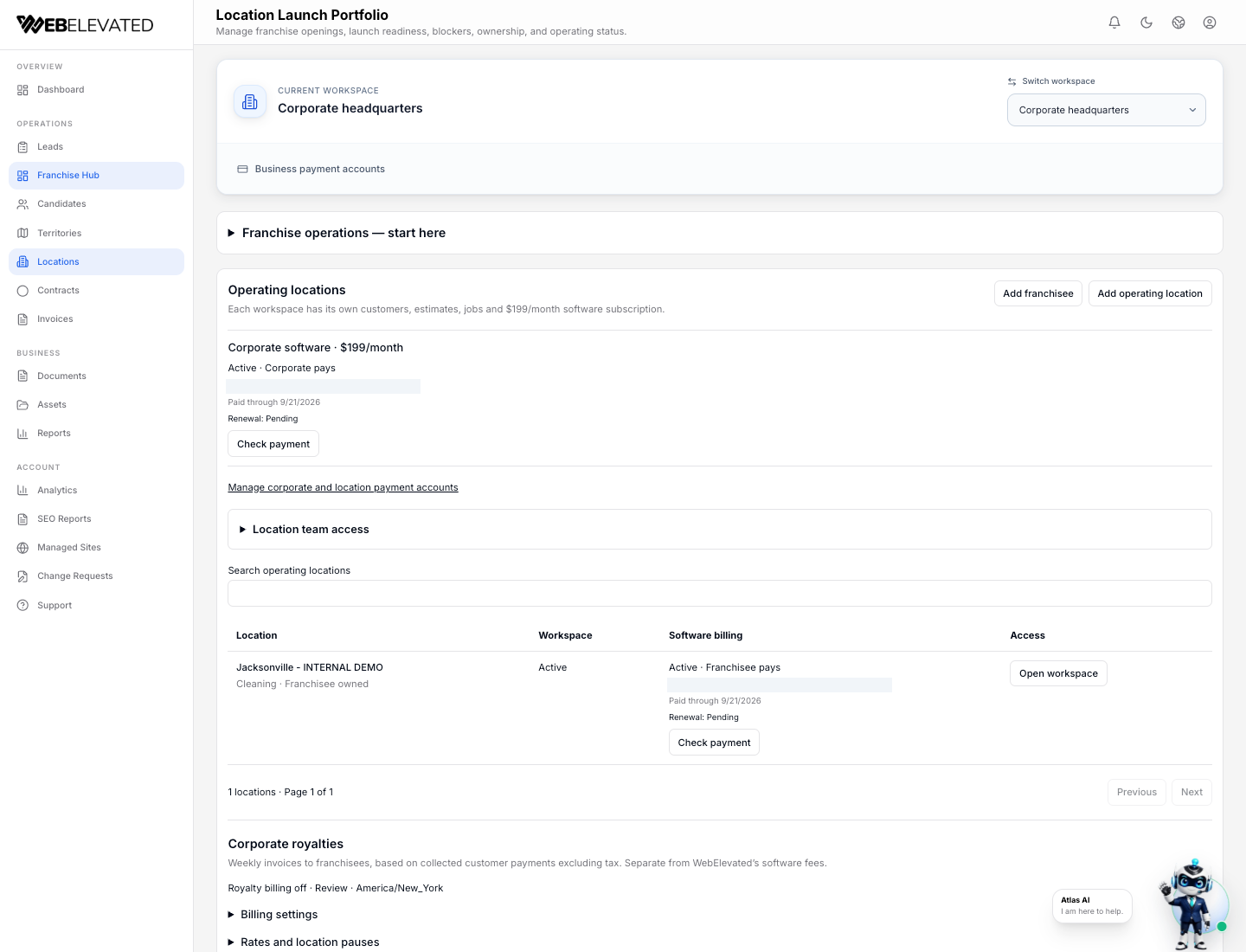
In the corporate workspace, authorized leaders can add operating locations, enter an authorized local context, select who pays for location software, and define effective royalty rates and weekly invoicing. That is network oversight, not ownership of every local customer interaction.
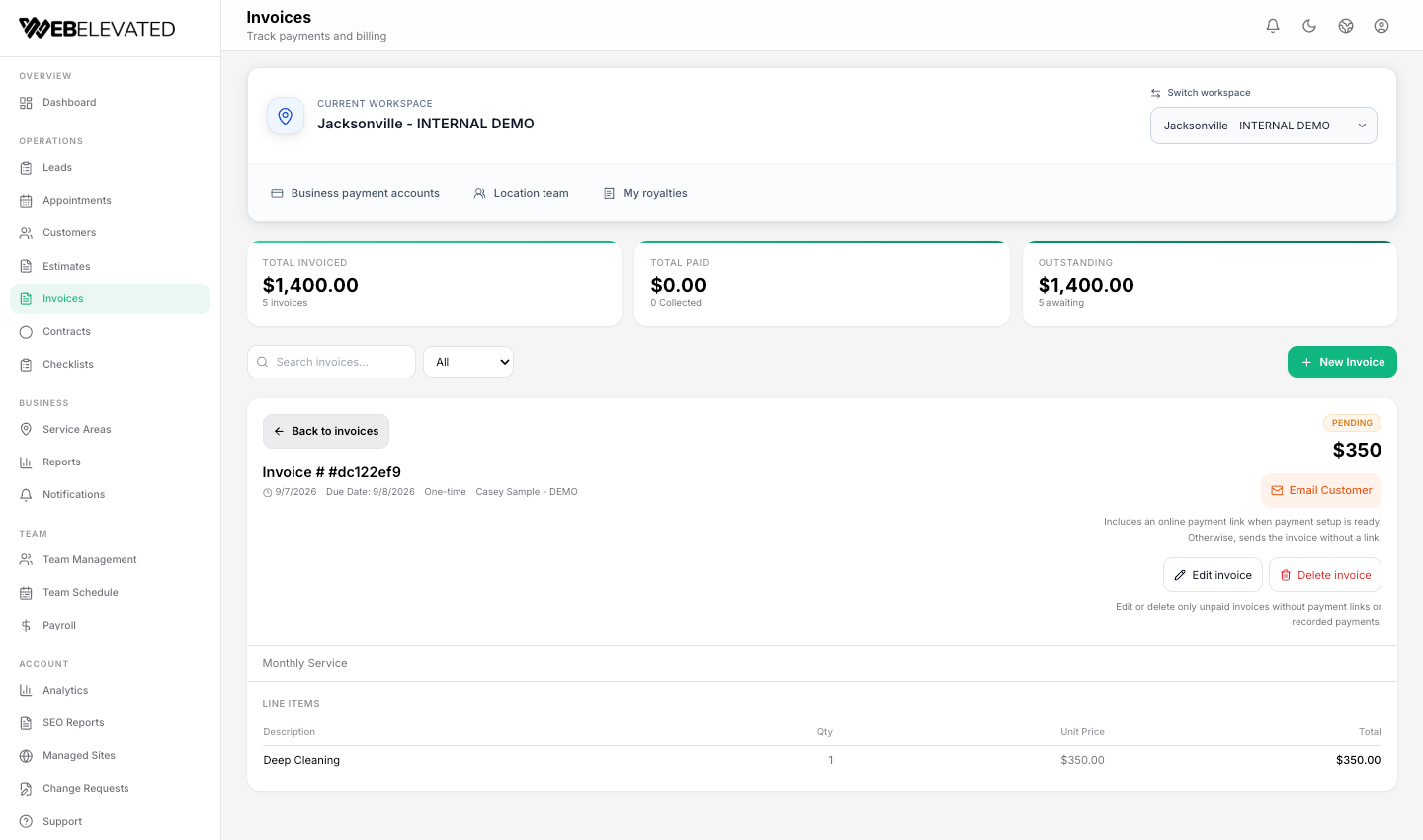
An owner works in the selected location. Leads, customers, estimates, appointments, invoices, forms, team access and reports stay attached to that operating context. Office staff coordinate the work their role permits; field staff focus on assigned jobs and applicable checklists. Separate logins are more useful than a shared corporate password because the responsibility is visible.
- Corporate: location setup, authorized oversight, software payer choice and royalty controls.
- Location owner: local customers, schedules, estimates, invoices, contracts and reports.
- Office and field teams: role-appropriate work without owner royalty or corporate finance access.
Keep three payment relationships separate
A customer pays the operating location through that location’s configured payment account. A location pays corporate for a royalty through a separate relationship. The selected payer—corporate or franchisee—pays WebElevated for the software subscription. Connecting the records does not merge those merchant accounts.
The corporate workspace is $199 per month and each active location is $199 per month for software. Corporate can pay a location’s software fee and resell or include it in its own charges, or designate the franchisee to pay WebElevated directly. Software fees, corporate royalties and applicable payment-provider fees are separate.
- Customer → operating location: service payment.
- Location → corporate: royalty payment.
- Selected software payer → WebElevated: software subscription.
Calculate royalties from collected money, not open invoices
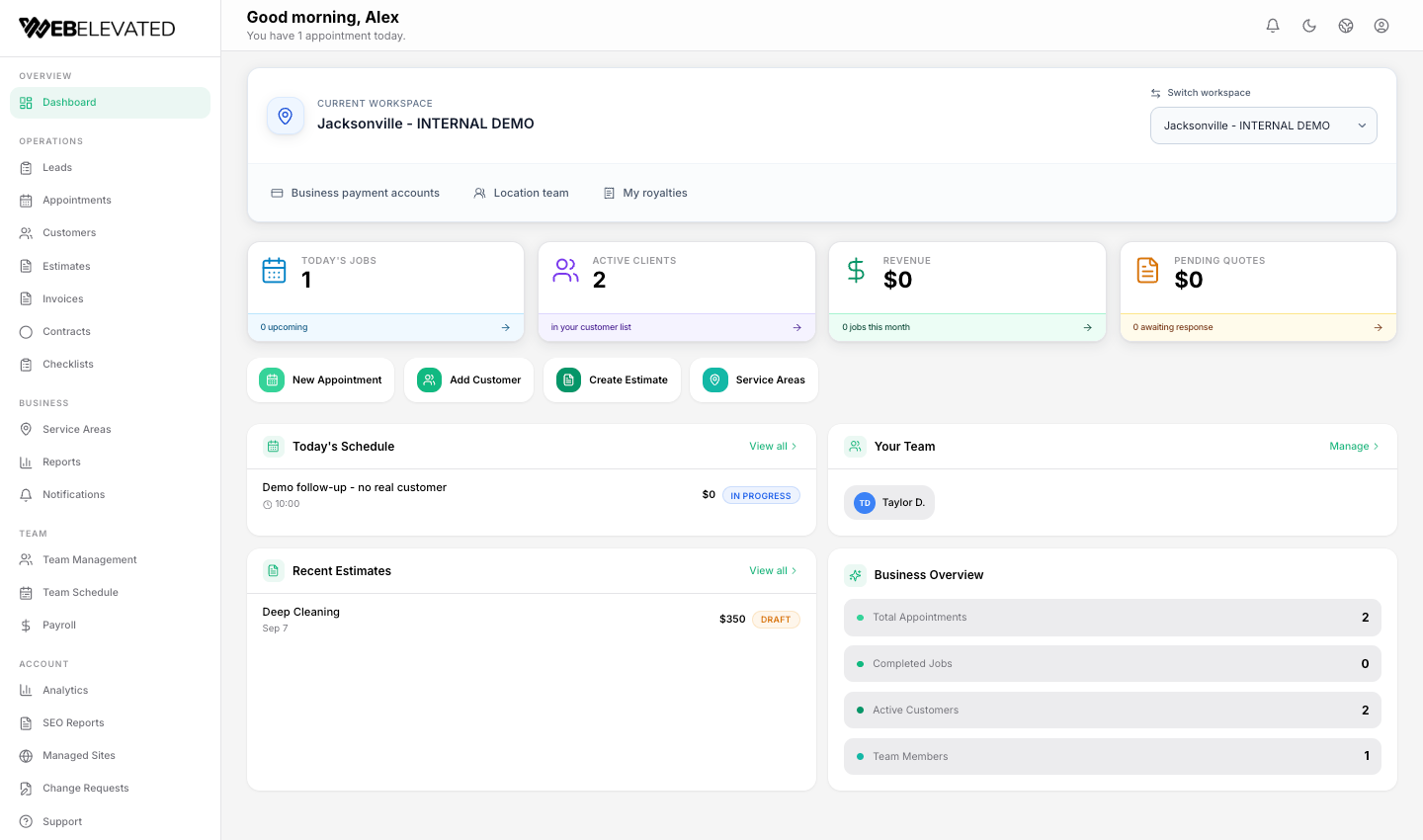
Corporate defines a percentage and an effective date. Franchising OS calculates on a weekly schedule from eligible, tax-exclusive customer payments actually collected. Unpaid invoices do not enter the base; partial payments and refunds follow the recorded calculation rules. Corporate can review royalty invoices before sending or choose automatic sending. Sending an invoice is not an automatic debit or a guarantee of collection.
For illustration only: if eligible collected revenue is $10,000 and a corporate-defined rate is 5%, the calculated royalty is $500. Another $2,000 on unpaid invoices is excluded until collected. A network should verify its own agreements and accounting treatment before using any example as policy.
Trace one location’s day from inquiry to payment
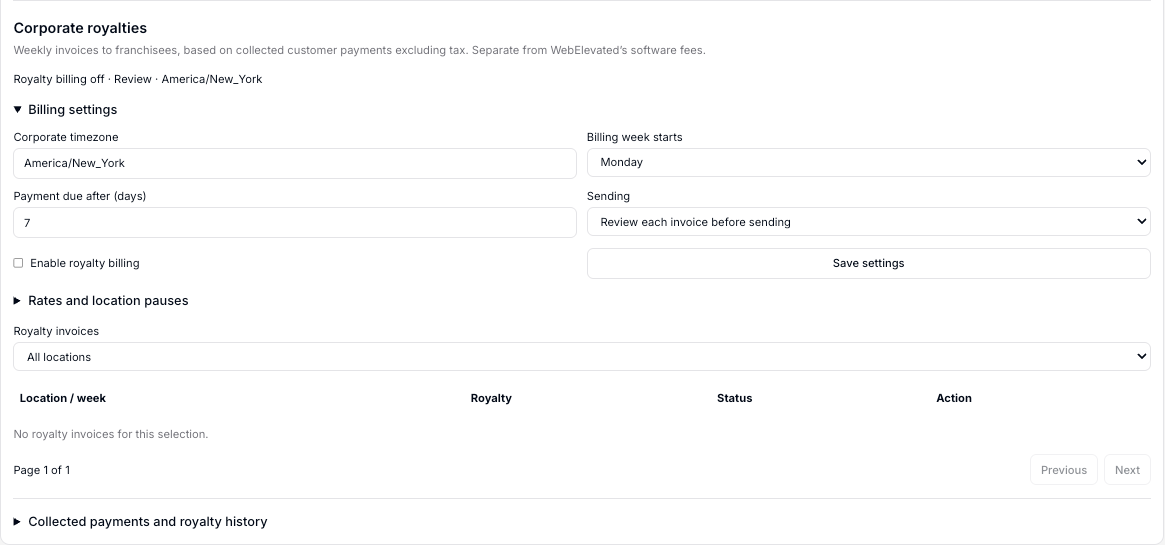
A lead enters the correct location, the office or owner follows up, the team quotes and schedules the work, and the owner issues an invoice with the location’s customer-payment controls. The steps are connected to the same location, but people still decide when work moves forward. This is not a promise that every action automatically creates the next one.
When evaluating franchise operations software, ask a vendor to walk through that complete path with your own roles: headquarters, location owner, office coordinator and field employee. A polished corporate dashboard alone will not show whether the people doing the work have a usable system.
Where Franchising OS fits today
The current Franchising OS operating vertical is Home Services, including cleaning businesses. Its responsive web experience works across phone, tablet and desktop; that should not be confused with native-app feature parity. Other franchise industries need a product-fit conversation rather than an assumption that every workflow is available.
The best next step is a role-by-role demonstration using a representative location and your own billing questions. The dedicated Franchising OS page shows the workspace views, royalty example, pricing boundaries and demo-request form.
Frequently Asked Questions
Can corporate pay for franchisee software?
Yes. Corporate selects corporate-paid or location-paid software for each active location. The franchisor may pay and resell or include the cost in its own charges, or the franchisee may pay WebElevated directly.
Does headquarters receive customer payments?
No. Customer payments go to the operating location’s configured payment account. Corporate royalty payments and WebElevated software fees are separate relationships.
Are royalties charged on unpaid invoices?
No. The eligible base uses tax-exclusive customer payments actually collected, subject to the recorded partial-payment and refund rules. Invoicing a royalty does not automatically debit a bank account.